 is an AI coding workspace that stays on your machine
An agentic workspace, not a chat tab bolted onto an editor.
Bring the cloud model, local model, or coding agent you already trust.
Follow its work, shape how much autonomy it has, and keep the whole project on your
machine.
Coming soon
Copse talks straight to the model or coding agent you choose — there’s no Copse server in between. Work stays inside the project sandbox, and Copse asks before crossing the boundaries you set. Recognised low-risk commands can run automatically, with every decision recorded.

Powerful tools, all at your control
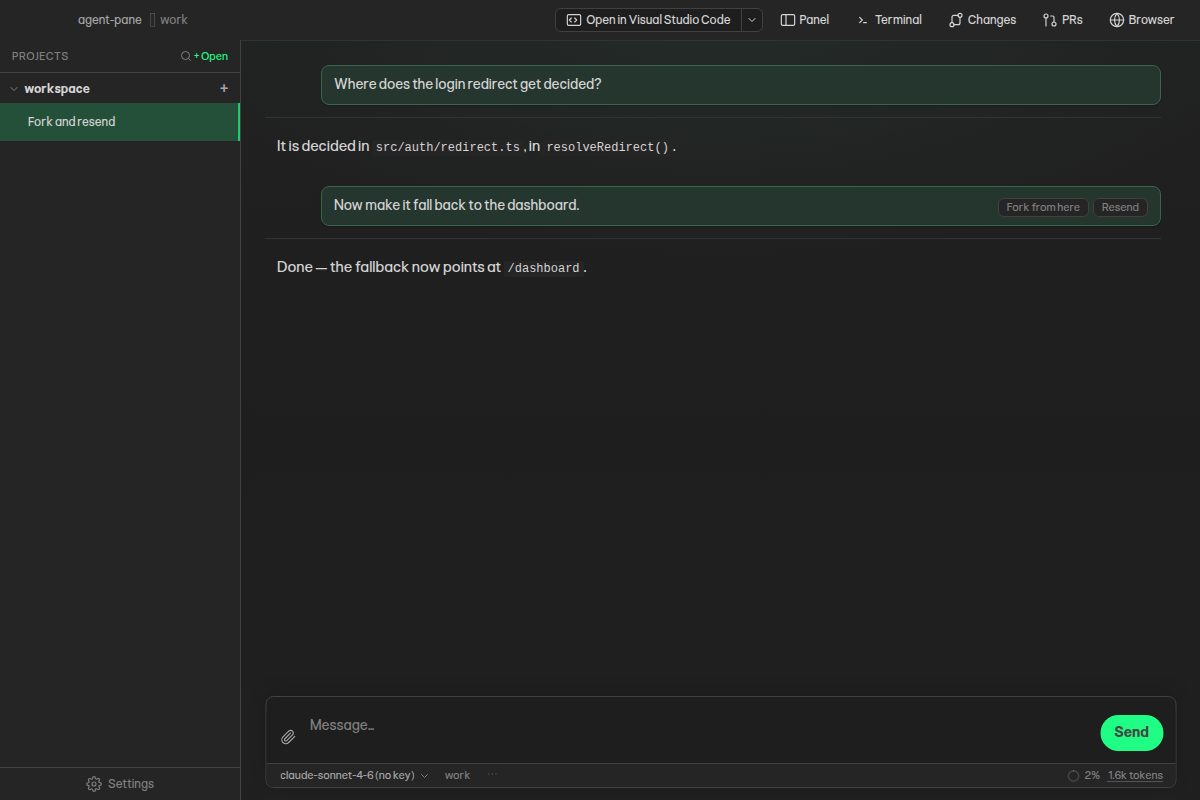
Fork a whole thread or restart from an earlier prompt with the same model context. Resend the last request, queue the next one, and keep the original untouched.
Hand focused research to subagents while the main conversation keeps moving. Their reasoning, tools, failures, and conclusions remain inspectable in the transcript.
Attach files, editor selections, images, screen recordings, video, and zip archives. Copse safely unpacks bundles and keeps their contents with the thread.
Connect directly to cloud providers, run local models, or use compatible coding agents installed on your machine. Switch without leaving the workspace.
Open a pull request from the message box when the work is ready. The PRs panel then follows its comments, reviews, and individual CI checks.
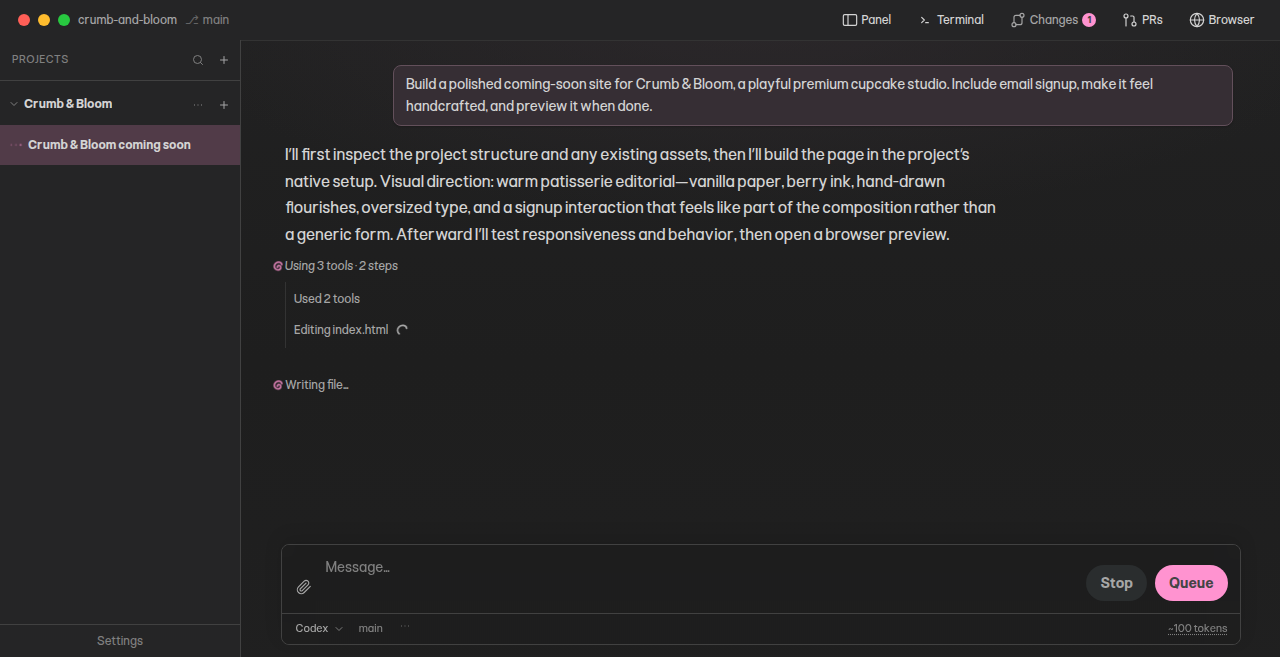
See every action
Tool calls, commands, diffs, subagents, hooks, and failures stay visible. Related activity groups together without hiding the underlying steps.
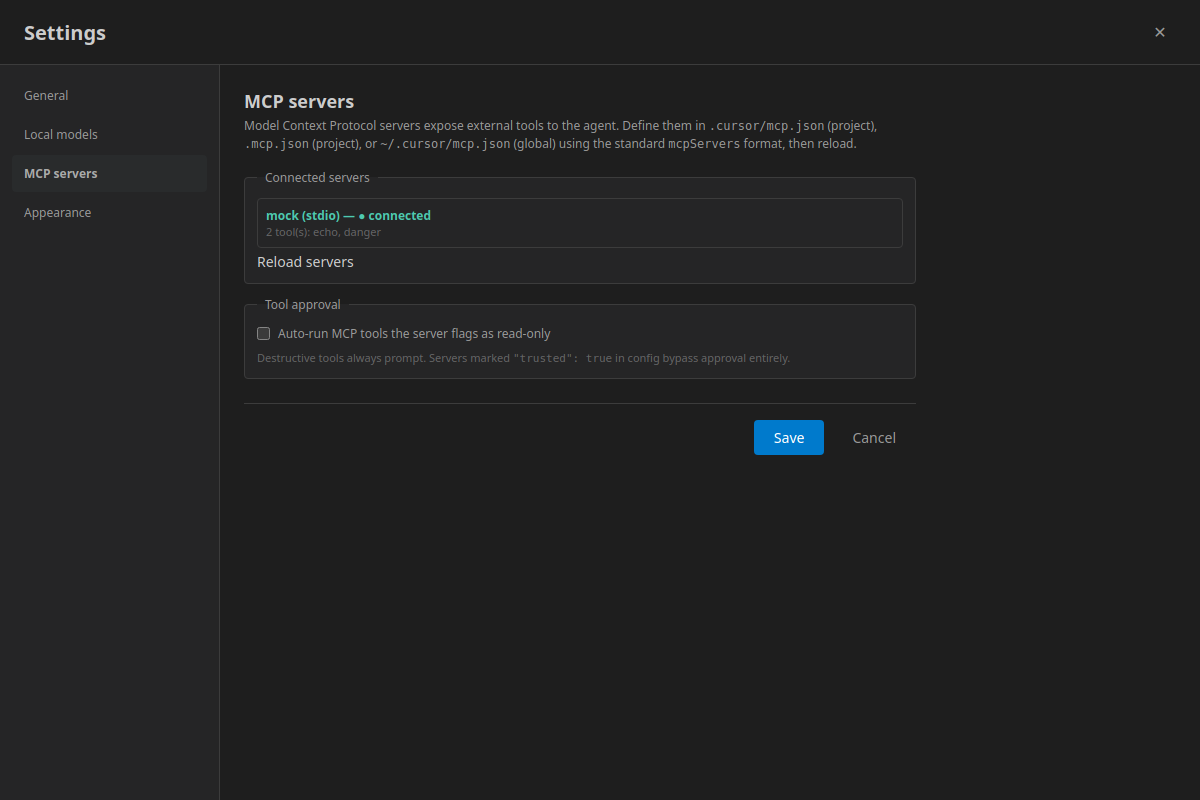
Set the boundary
Keep work inside the project sandbox, approve access beyond it, or allow recognised low-risk command shapes. Allow, ask, or block each Copse and MCP tool on its own. Permission decisions have a durable audit trail.
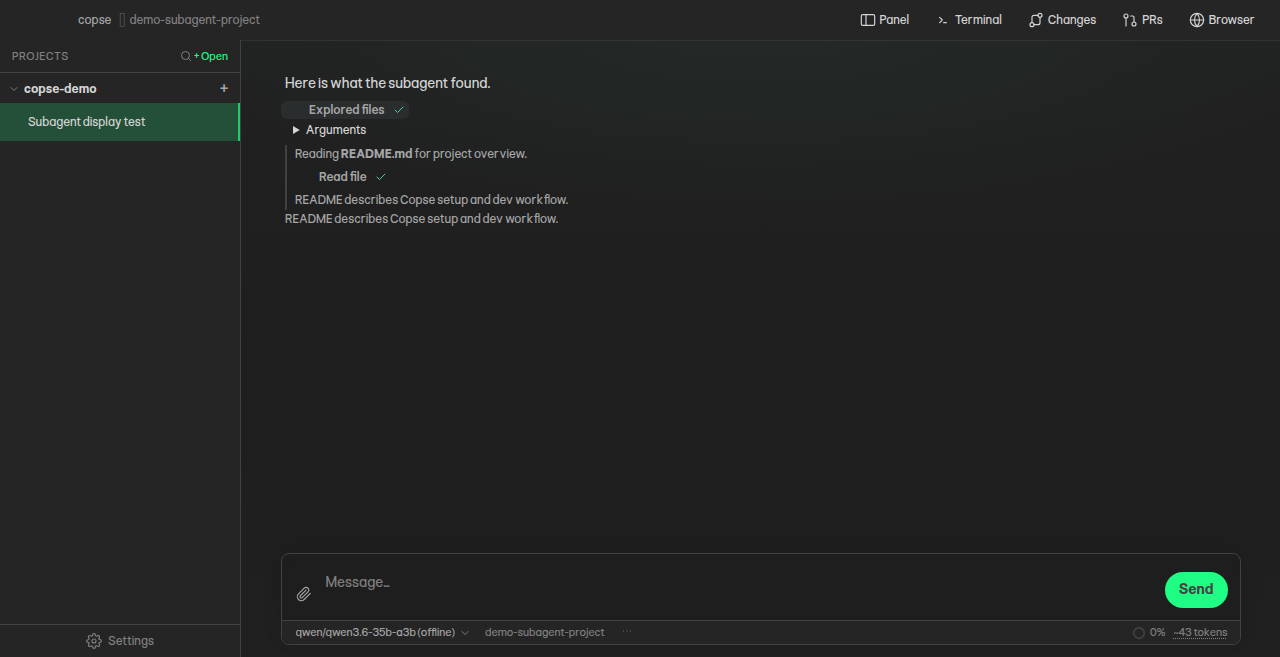
Keep the whole record
Conversations live as ordinary files. Export a portable transcript or the complete thread folder, including plans, attachments, tool data, and nested agents.
One model picker
Choose how Copse thinks
Pick a provider, then choose its API, cloud agent, installed agent, or model server. Copse sends requests straight from your machine to the route you select.
Direct cloud
Use your own provider account
OpenAI, Anthropic, Gemini, OpenRouter, Groq, Together AI, Fireworks, and more.
Local models
Keep inference on your hardware
Connect LM Studio, Ollama, llama.cpp, Jan, vLLM, or another compatible endpoint.
Coding agents
Use the tools already on your machine
Connect compatible installed agents and keep their work visible inside Copse.







Privacy you can inspect
Know where your data goes
Copse has no hosted backend and sends no product telemetry. Provider policy badges show retention and training defaults; OpenRouter uses zero-data-retention, non-training routes by default, and direct OpenAI requests opt out of storage.
Read the privacy details →Other features
Worktrees ready to work
Give each thread an isolated branch with its Node, Python, Go, or Rust dependencies already installed, then clean up old worktrees in bulk.
Search by meaning
Find relevant code with bundled semantic indexing and explore results in chat.
Shells and a real browser
Run tests beside the chat, exercise a local site, and draw on the page to show the agent what to change. Your tabs come back next time.
Plans that survive the turn
Keep durable project knowledge and multi-step plans beside the conversation.
Skills and plugins
Add reusable instructions, tools, hooks, panels, and focused agent behaviours.
Extend what the agent can do
Connect MCP servers, JavaScript tools, compatible hooks, and existing Cursor sources.
Side quests, not scope creep
When the agent spots unrelated work, it offers a new thread you can start with one click in its own isolated checkout.
Images in the review
Proposed changes and the Changes pane show before-and-after image diffs, and any image in chat can be copied straight to the clipboard.
Pick up where it stopped
Finished background threads are marked unread, and a turn that leaves plan items open offers a one-click way to continue.
Signed, notarized, and ready for macOS
Download Copse
Copse is a free public beta for macOS 26 or newer, on Apple Silicon or Intel. Each release includes separate installers for both architectures, checksums, and release notes, and the app updates itself from the same feed.
Prefer to inspect every line or contribute a change? The complete source and build instructions are on GitHub.
Free, open source, and built in public
Coming soon
Copse is still in development. The macOS build and the source repository aren’t public yet — this page is a preview of what we’re making.